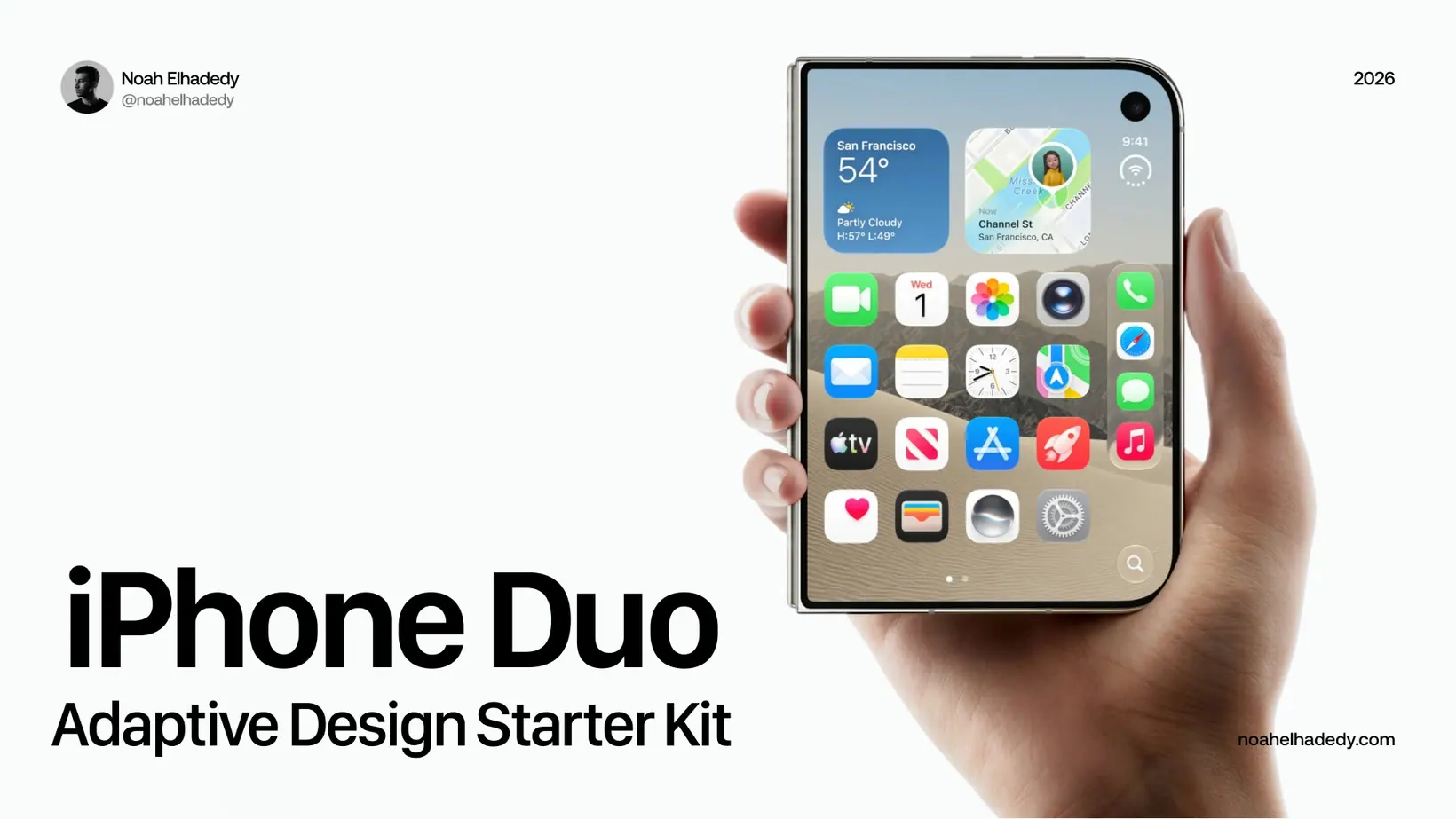
iPhone Duo Adaptive Design Starter Kit
FreeA free Figma kit for designing apps that adapt across the outer and inner displays of iPhone Duo.
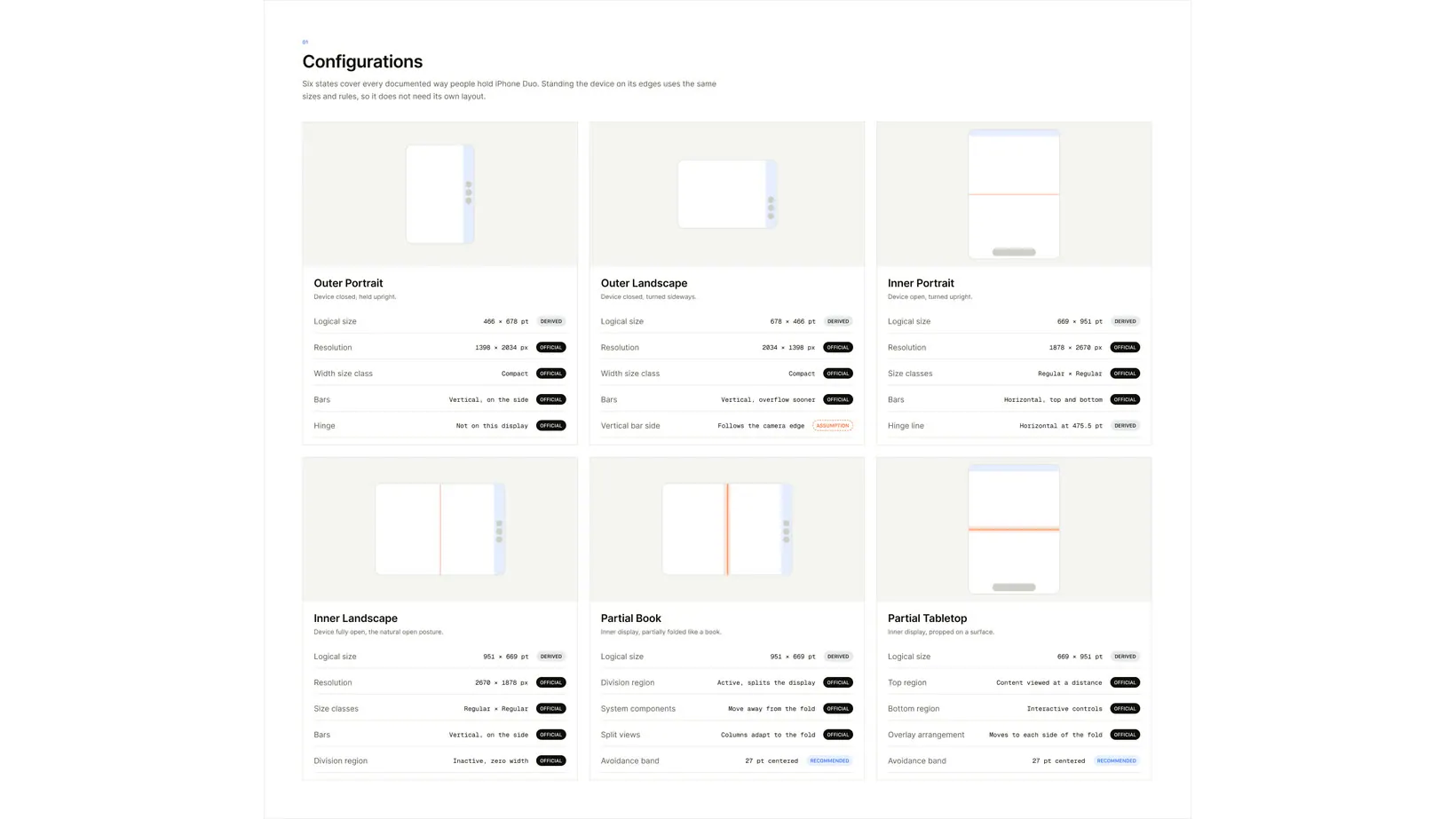
A foldable iPhone means one app, two displays and six device states. Most teams will start by stretching the outer layout onto the inner screen. This kit starts from the other end: what changes when the display unfolds, and what should stay exactly where it was.
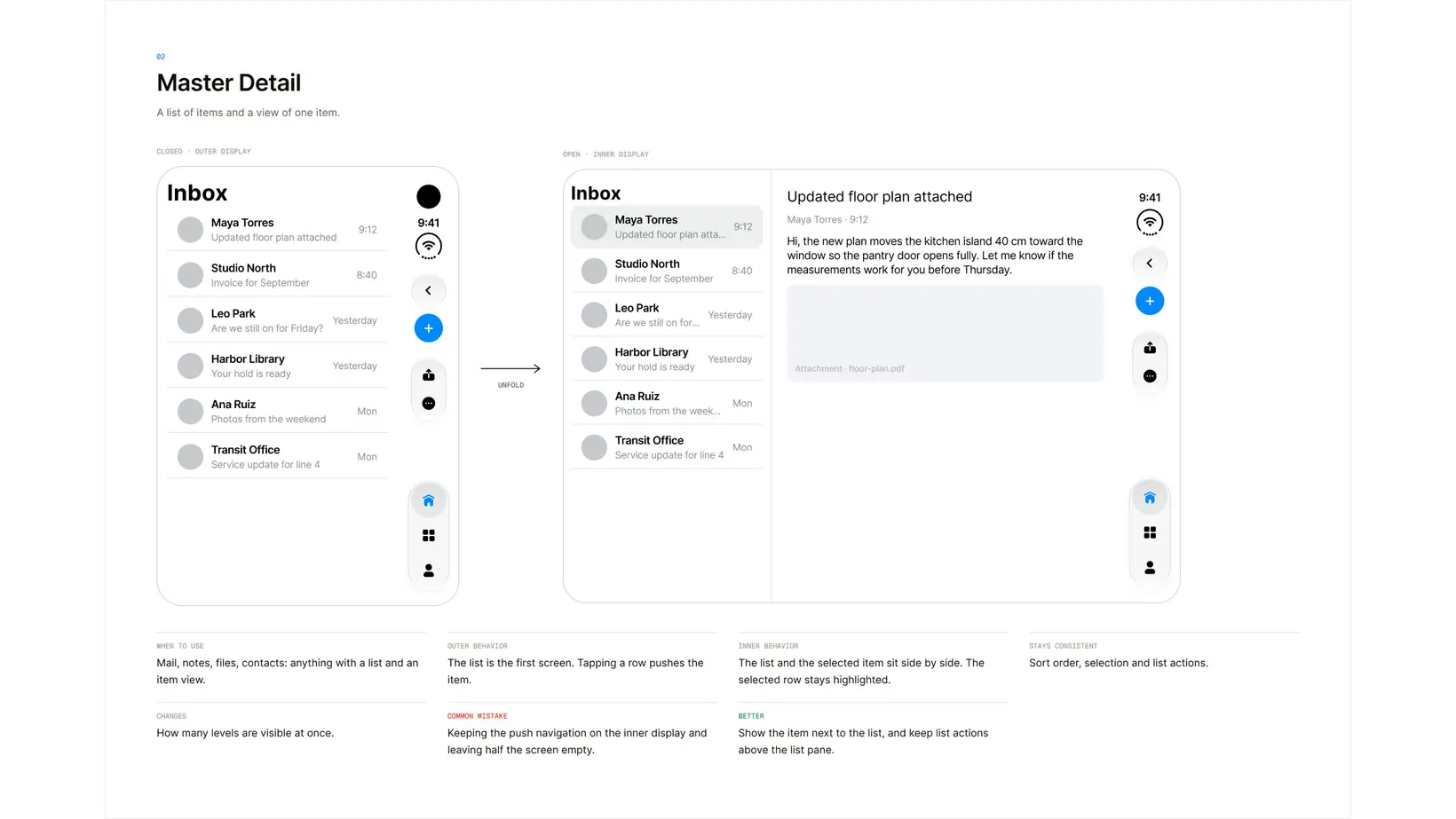
It covers the whole path from anatomy to a working screen. Device frames for every state, layout guides for safe areas, the fold and the camera regions, 8 navigation patterns and 9 adaptive patterns, then 7 starter templates you can build on straight away.
Every number is labelled Official, Derived, Recommended or Illustrative, so you can tell what comes from Apple and what is a starting value to verify. iPhone Duo is new, and some values are my own reading of Apple's public guidance until full specifications ship.
What's inside
- Device frames for every state: outer portrait and landscape, inner portrait and landscape, partially folded and tabletop
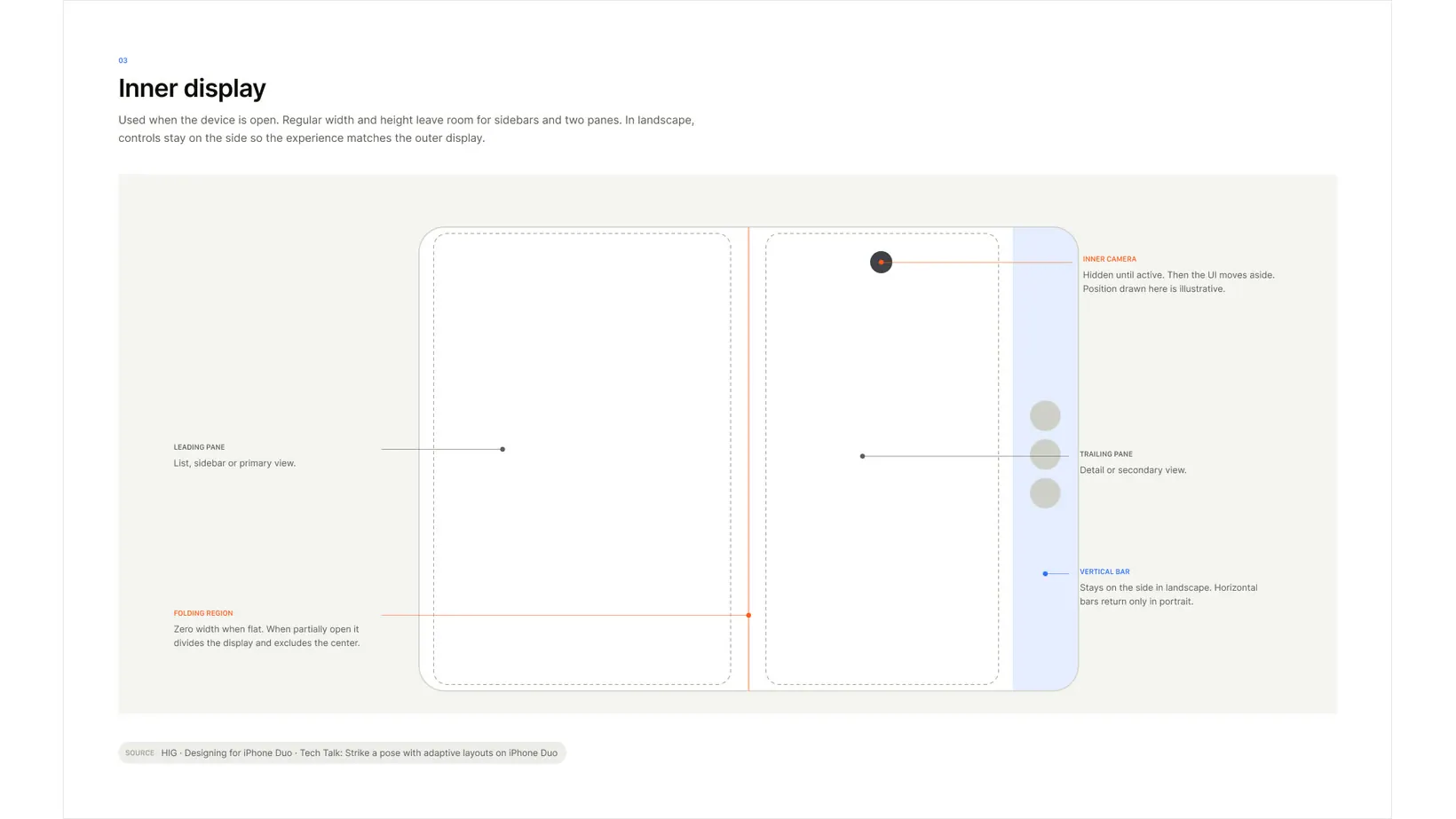
- Layout guides for safe areas, the side column, the folding region and reserved camera regions
- A Duo System variable collection with one mode per device state, 15 layout tokens
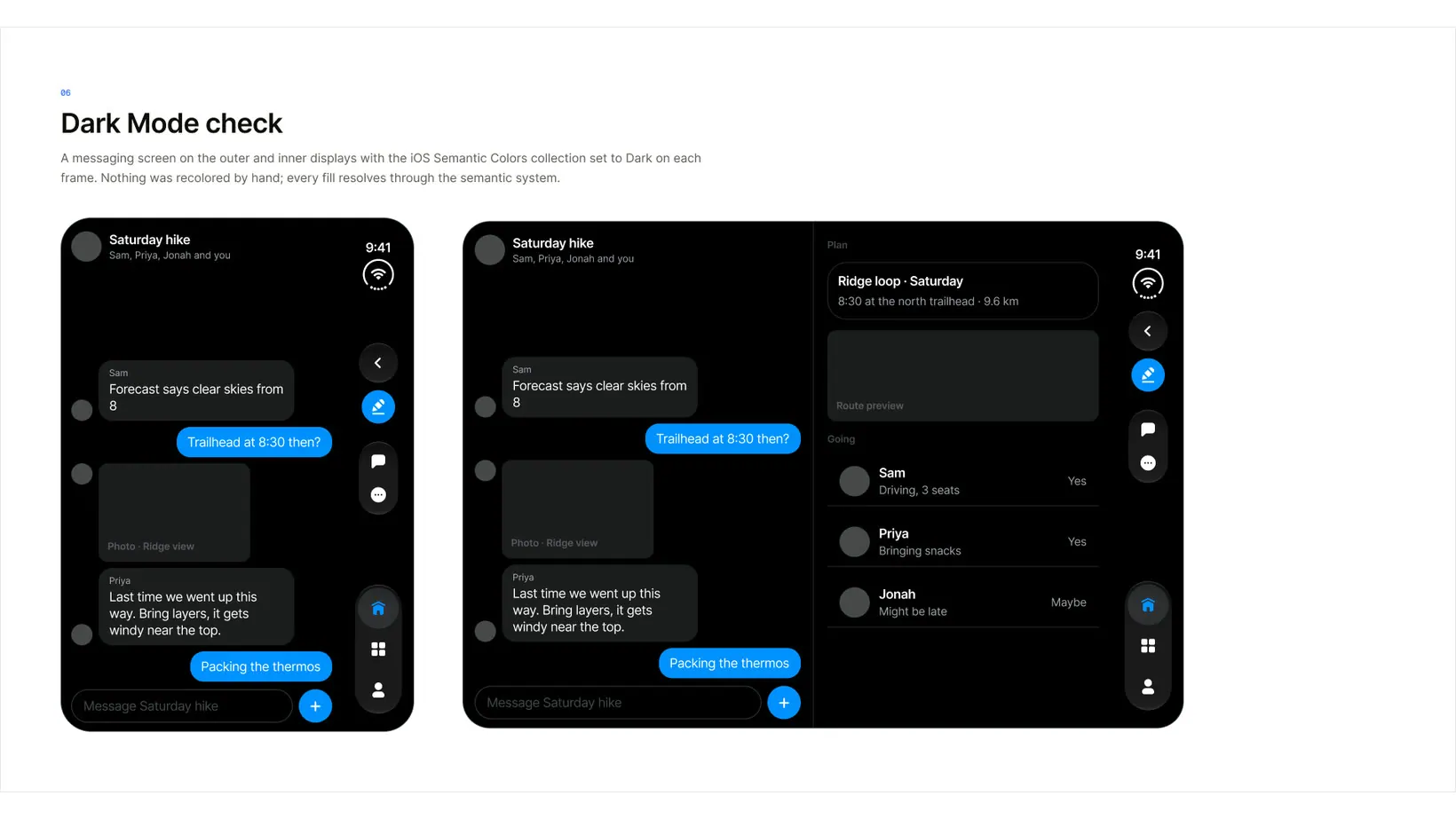
- iOS semantic colours in Light and Dark, plus 21 iOS text styles with Apple's names
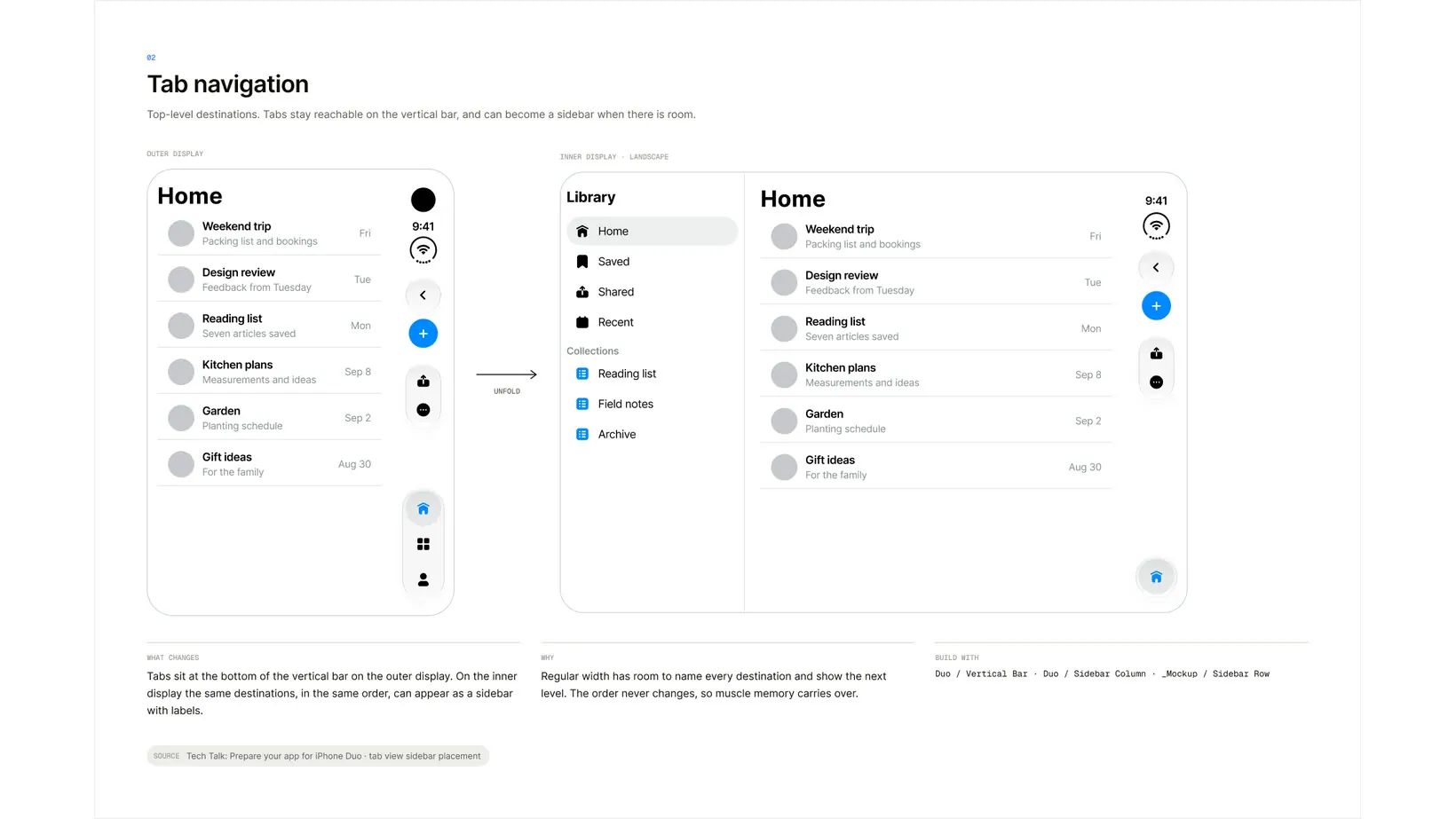
- 8 navigation patterns and 9 adaptive patterns, with a Dark Mode check
- Duo layout components: status bar, vertical bar, sidebar column, pane, split view and arrangement views
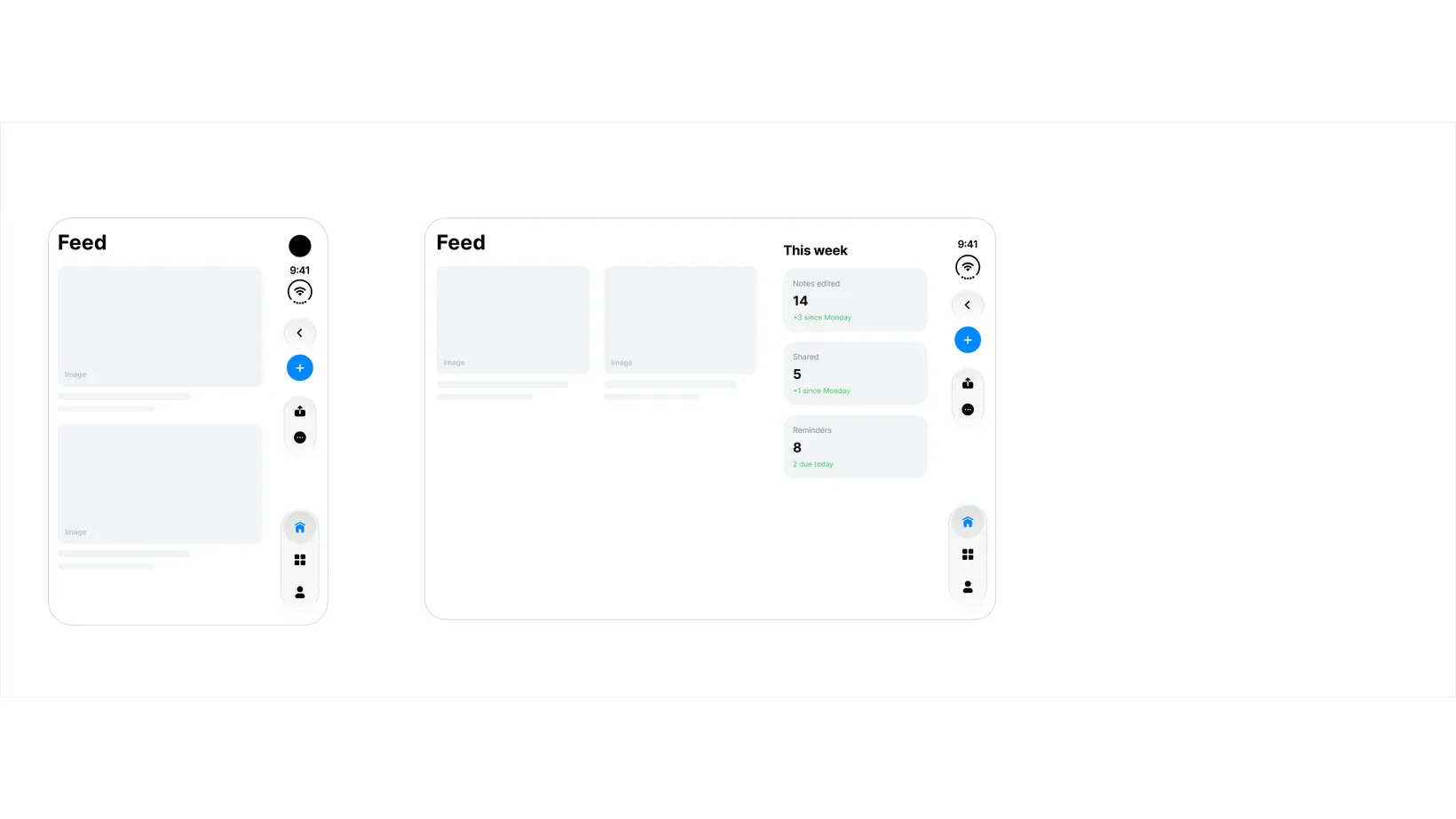
- 7 starter templates, from Blank to Master Detail, Feed, Map + Panel and Dashboard
- Do and Don't rules, with sources linked to Apple's Human Interface Guidelines
A look inside
How to use it
- 01Open the file on Figma Community and duplicate it to your drafts.
- 02Read Device Anatomy first. It explains what each of the six states gives you.
- 03Pick the starter template closest to your app and place it in a Duo device frame.
- 04Switch the Duo System variable mode to move the layout between device states.
- 05Turn on the safe area and hinge guides to check nothing lands in the fold.
- 06Borrow a navigation or adaptive pattern for the parts your app needs.
Questions
Yes. It lives on Figma Community, so there is no email and no checkout. Open it and duplicate it.
No. It is a personal, unofficial kit built from Apple's public guidance, and it is not affiliated with or endorsed by Apple. Values that are my own interpretation are labelled, so verify them once Apple publishes full specifications.
No. Variables, modes, components and auto-layout all work on a free account.
Yes. It is published under CC BY 4.0, so you can use and adapt it for any project, including commercial ones, as long as you give credit.
Hosted on Figma Community. Open it and duplicate it to your drafts. No email, no checkout.
Get it free