Premium Resume Templates
$5Twelve resume layouts for Figma. Light and dark, fully tokenised, A4 ready.
A recruiter gives a resume about six seconds. Most templates spend those seconds on decoration. These twelve spend them on hierarchy: where the eye lands first, what it reads next, and what it is allowed to skip.
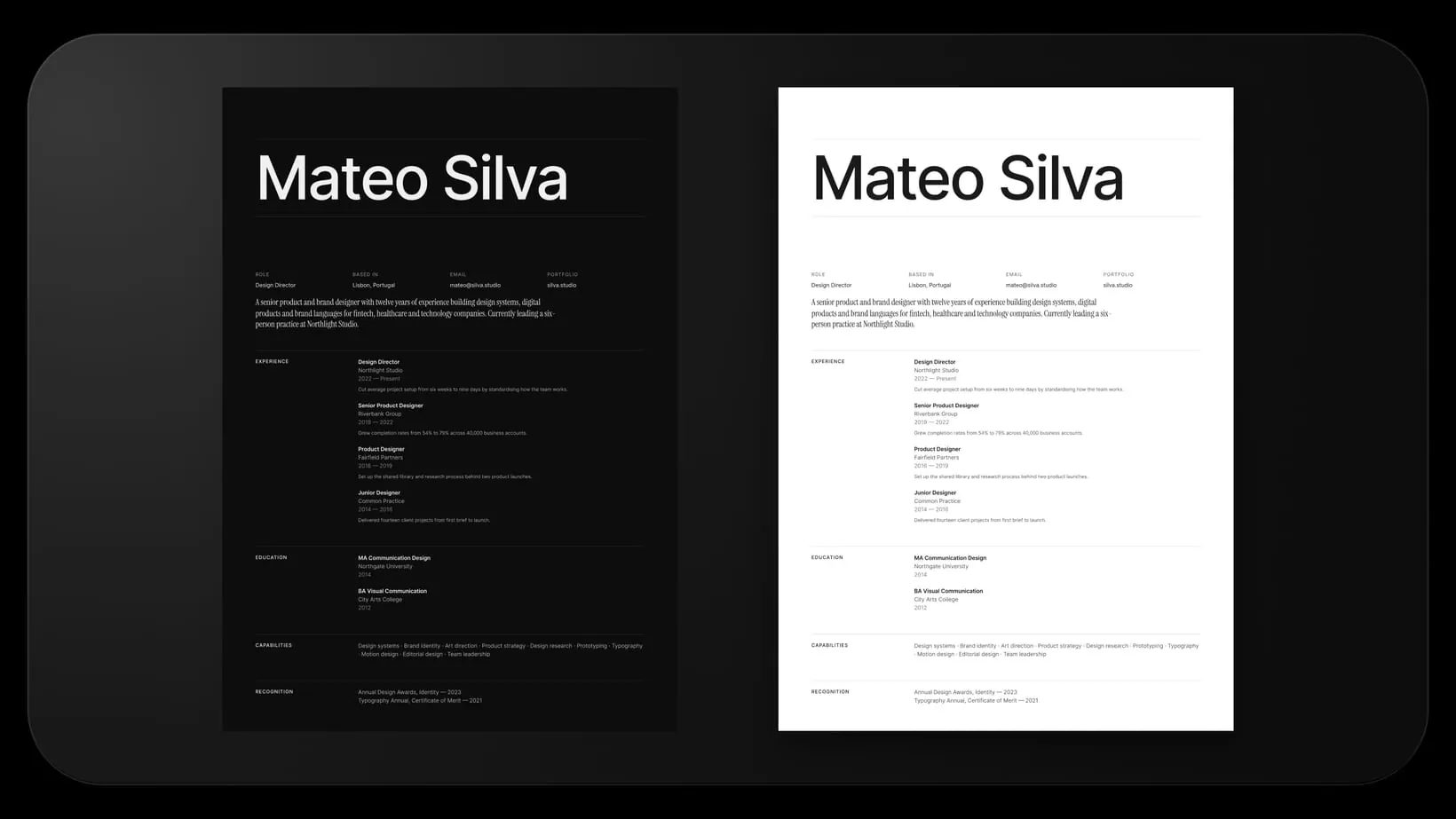
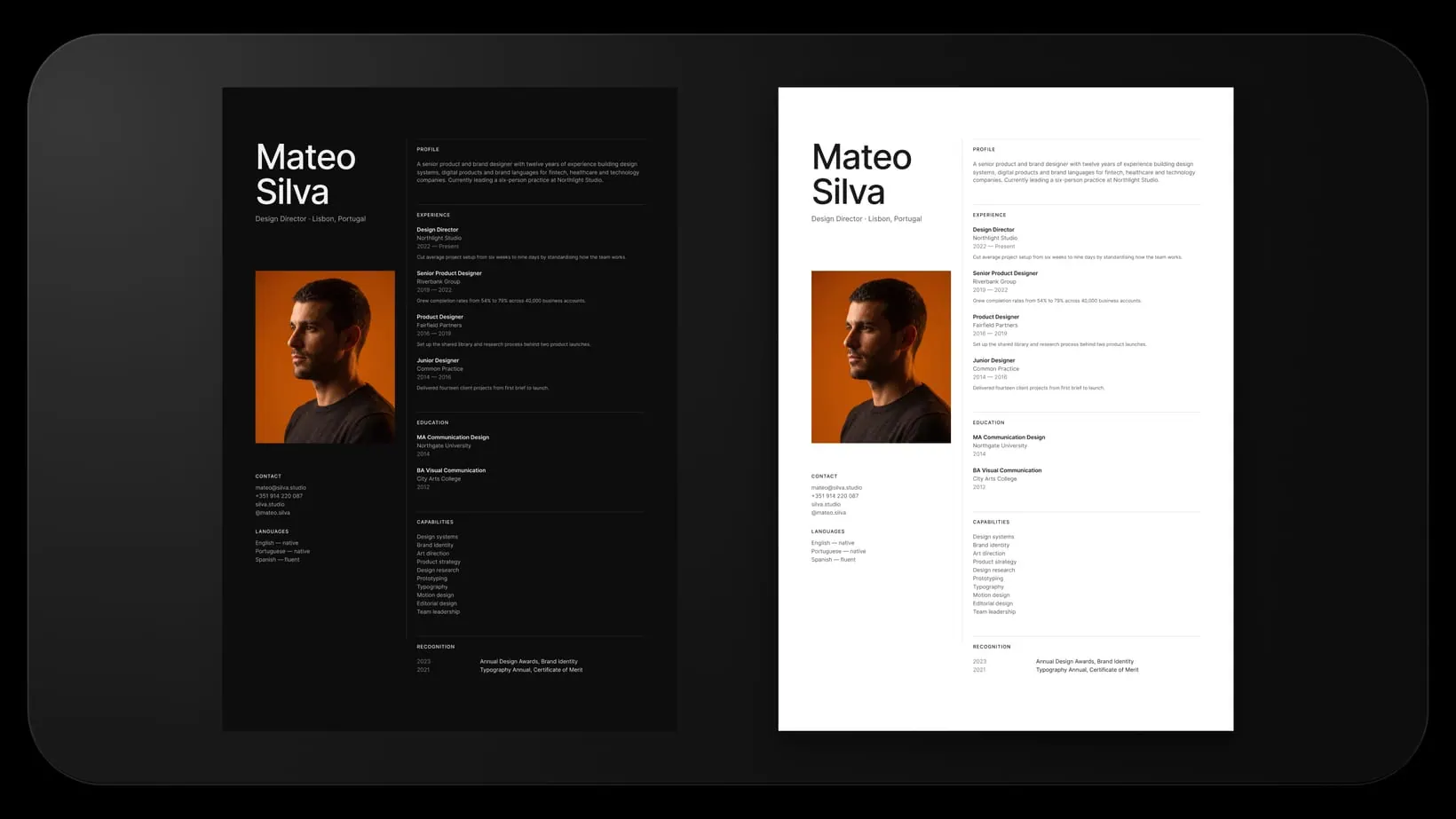
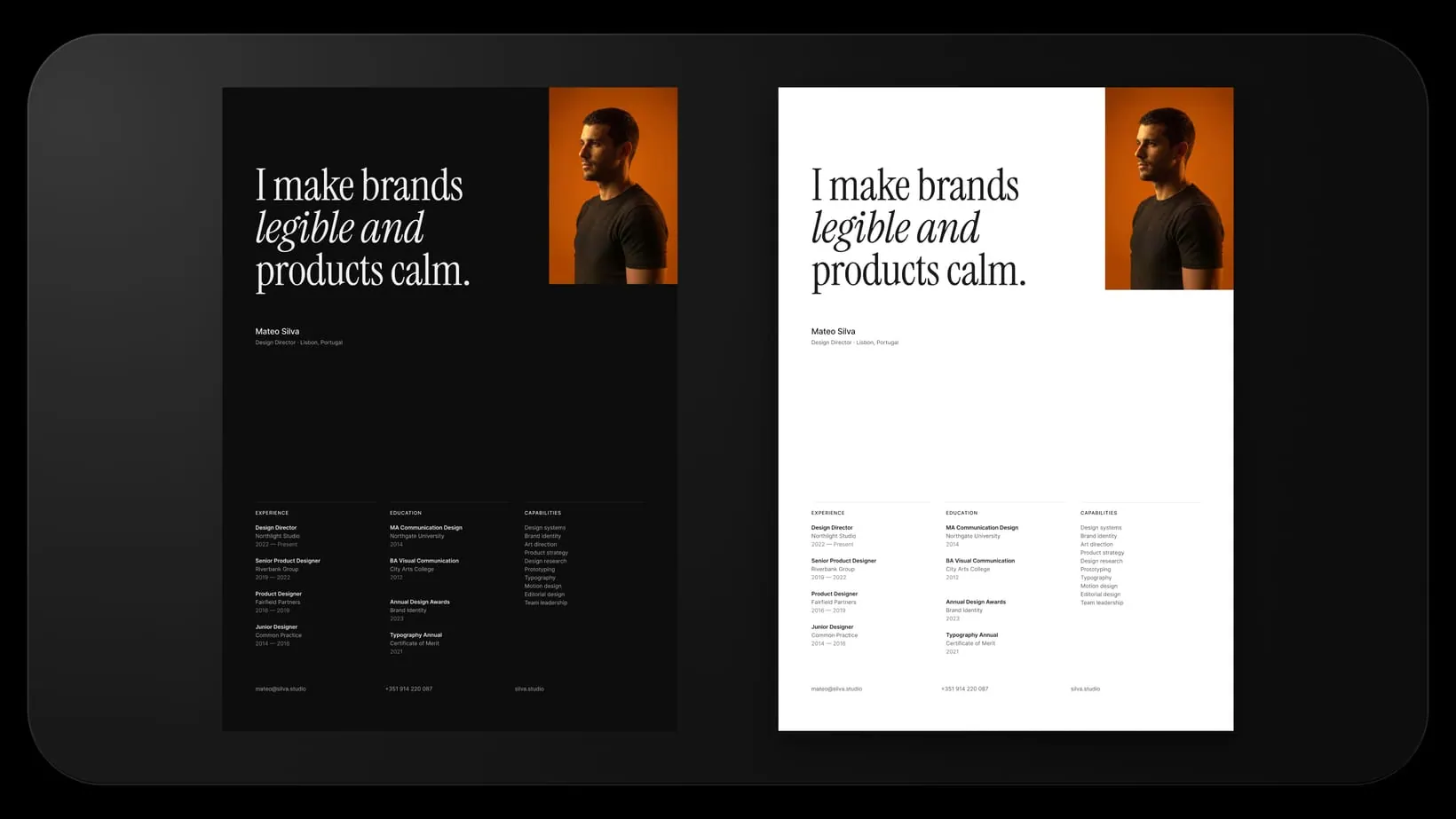
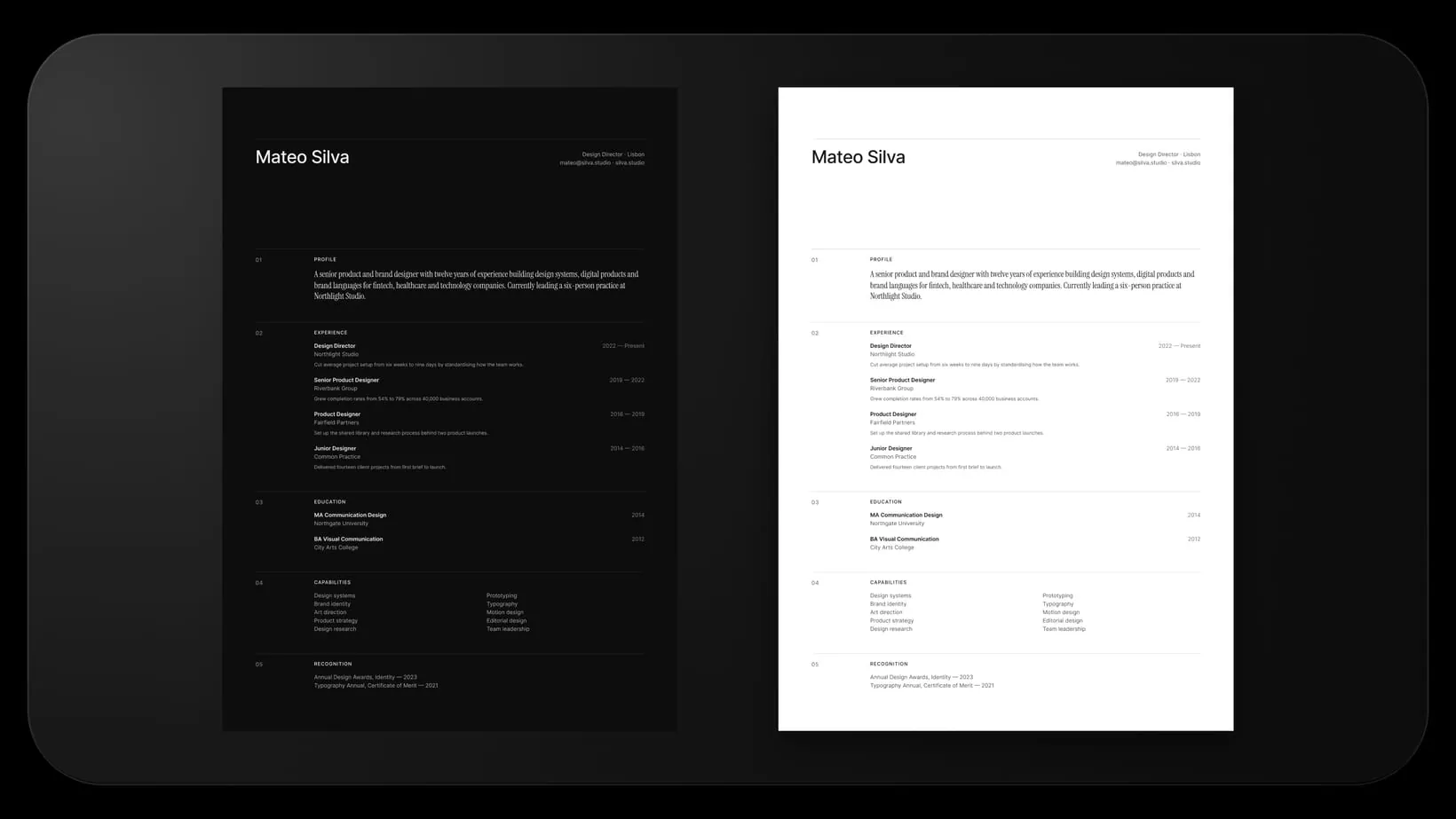
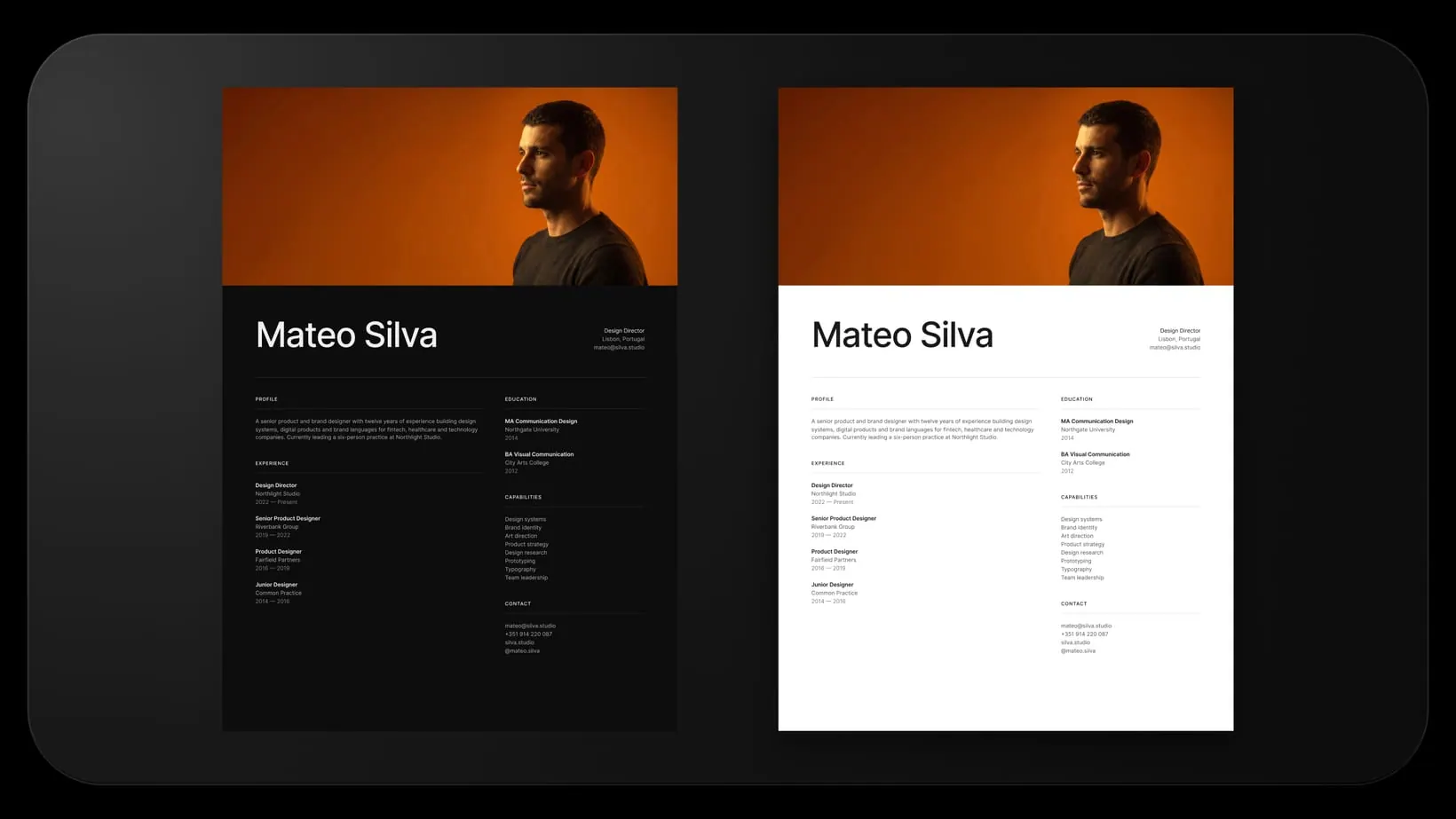
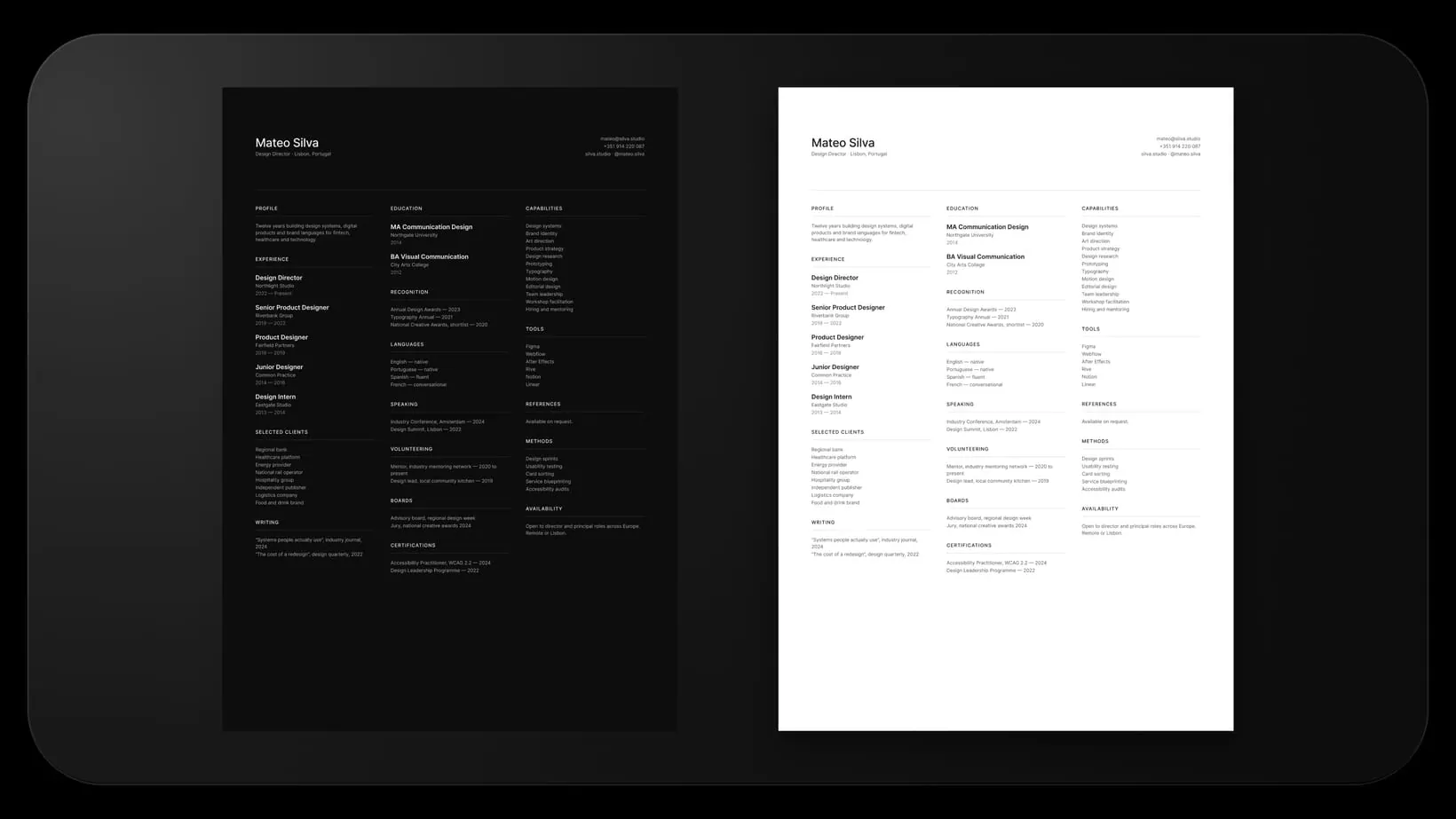
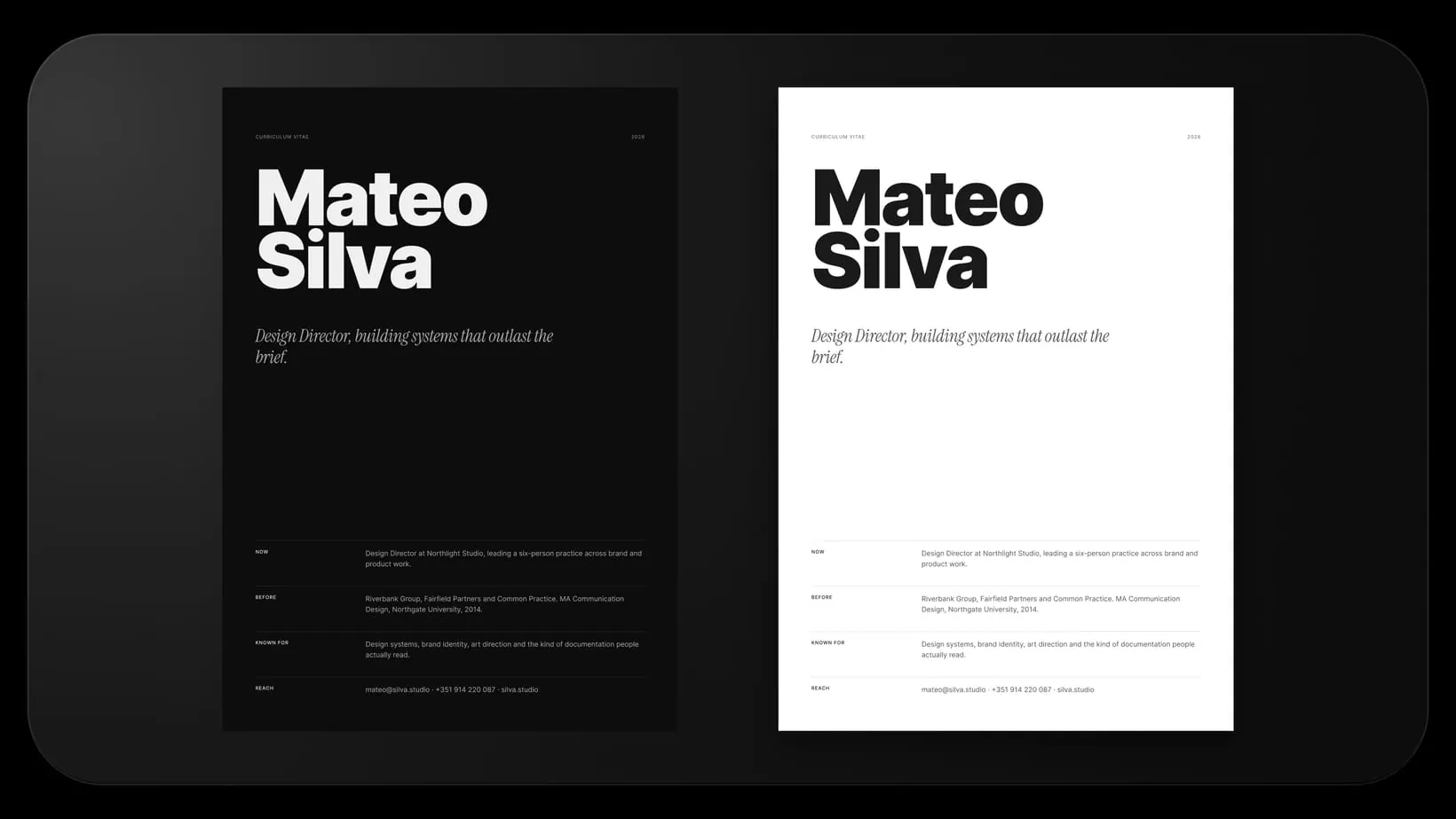
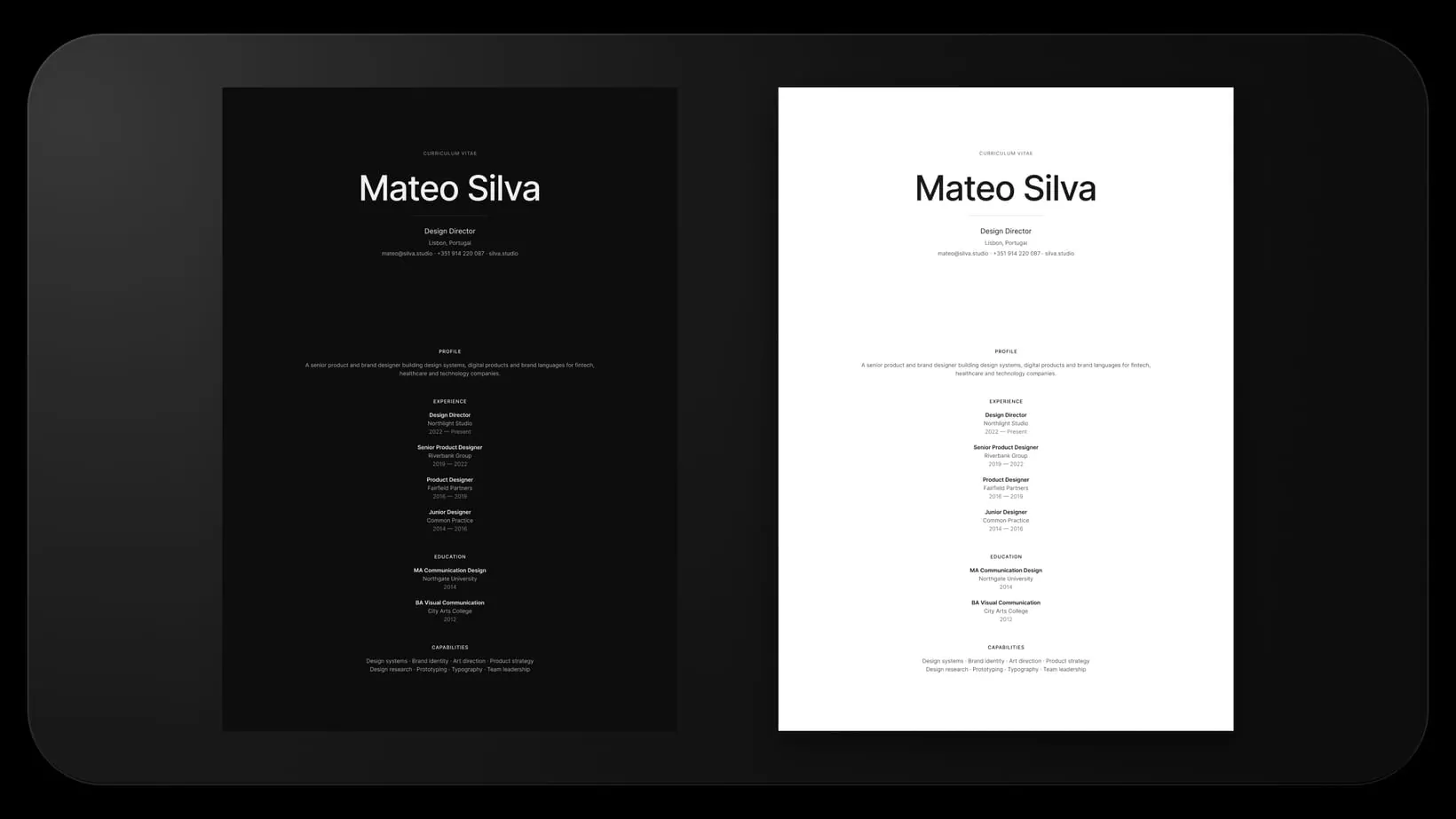
Twelve layouts, not one layout twelve times. Each is built on its own structure, from a plain masthead to a two column editorial spread to an index that reads like a contents page. Every one ships in light and dark, so the set is twenty four pages.
Everything sits on variables, text styles and auto-layout. Switch the theme mode and all twelve follow. Delete a role and the section, the page and the spacing close up behind it. Export and it comes out true A4.
What's inside
- Twelve layouts, each built on its own structure rather than one page restyled
- Every layout in light and dark, twenty four pages in total
- A Theme variable collection, 9 colour tokens across both modes, accent included
- A Layout variable collection, 11 margin, gutter and spacing tokens
- 19 text styles: Display Serif and Grotesk, Heading, Label, Body, Entry, Index
- Components for the parts that repeat: hairline divider, experience row, detailed experience row
- Auto-layout throughout, so removing a role closes the gap on its own
- True A4 at 2480 × 3508 px, 300 DPI, ready to export as PDF
A look inside
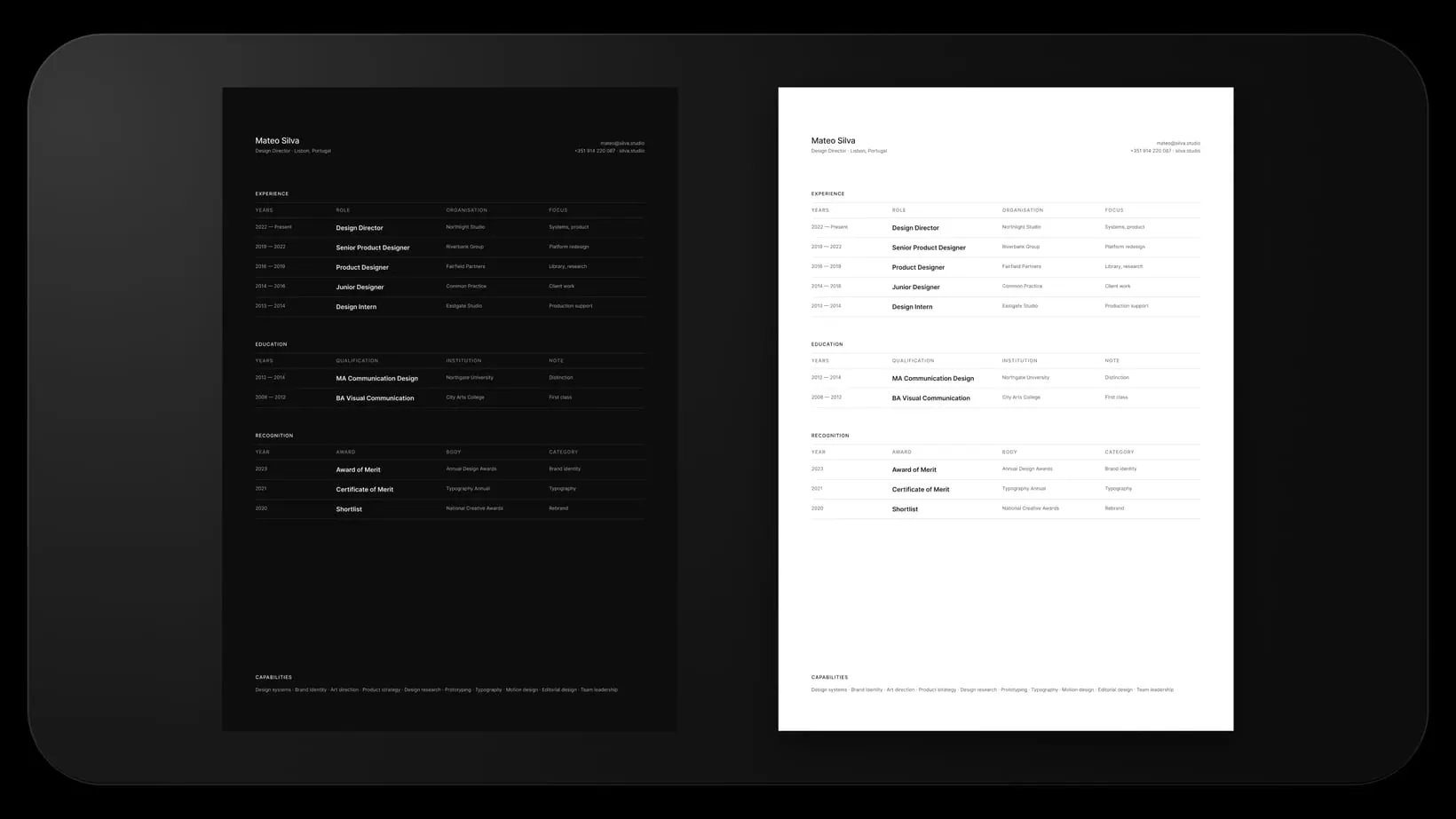
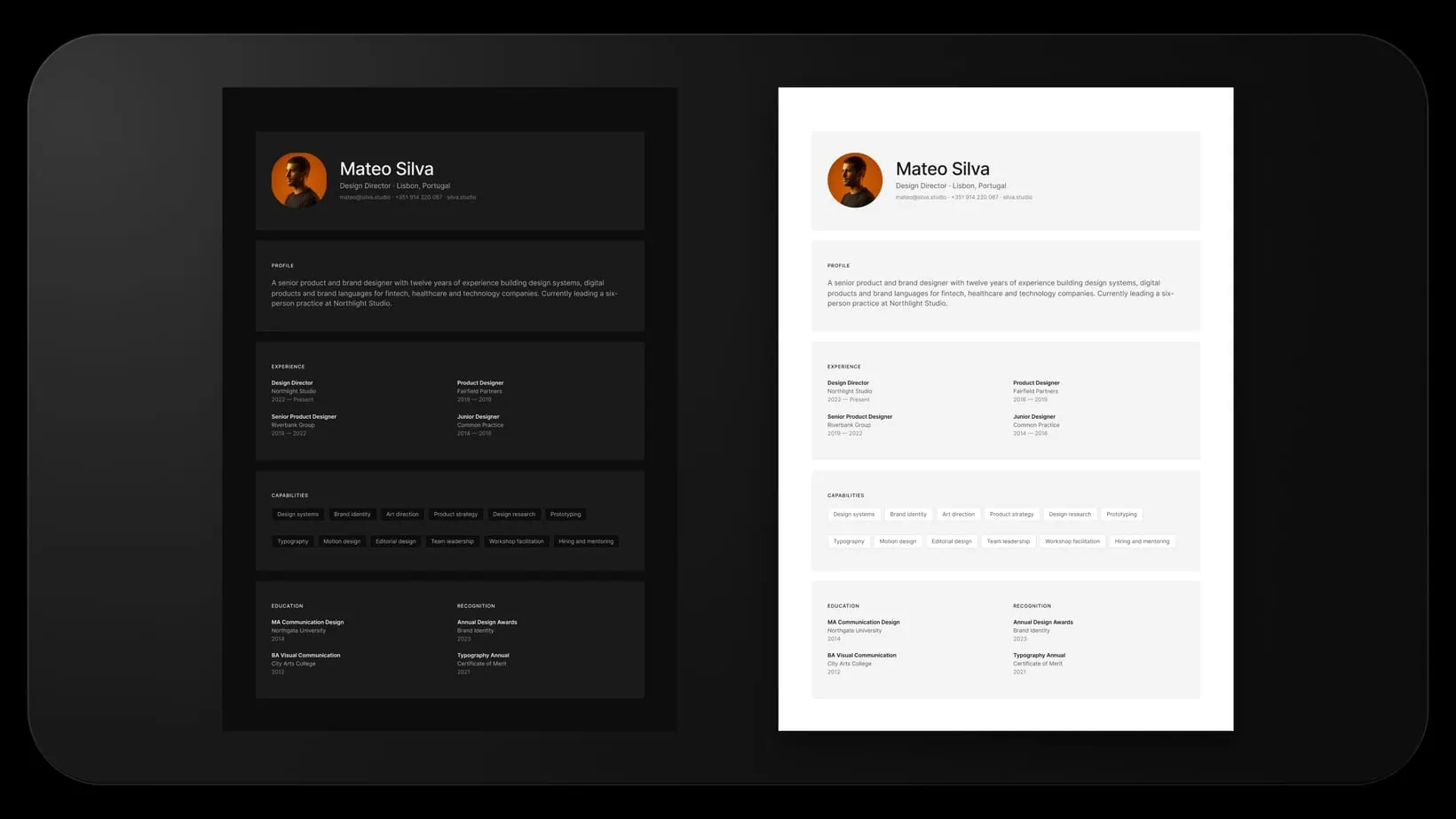
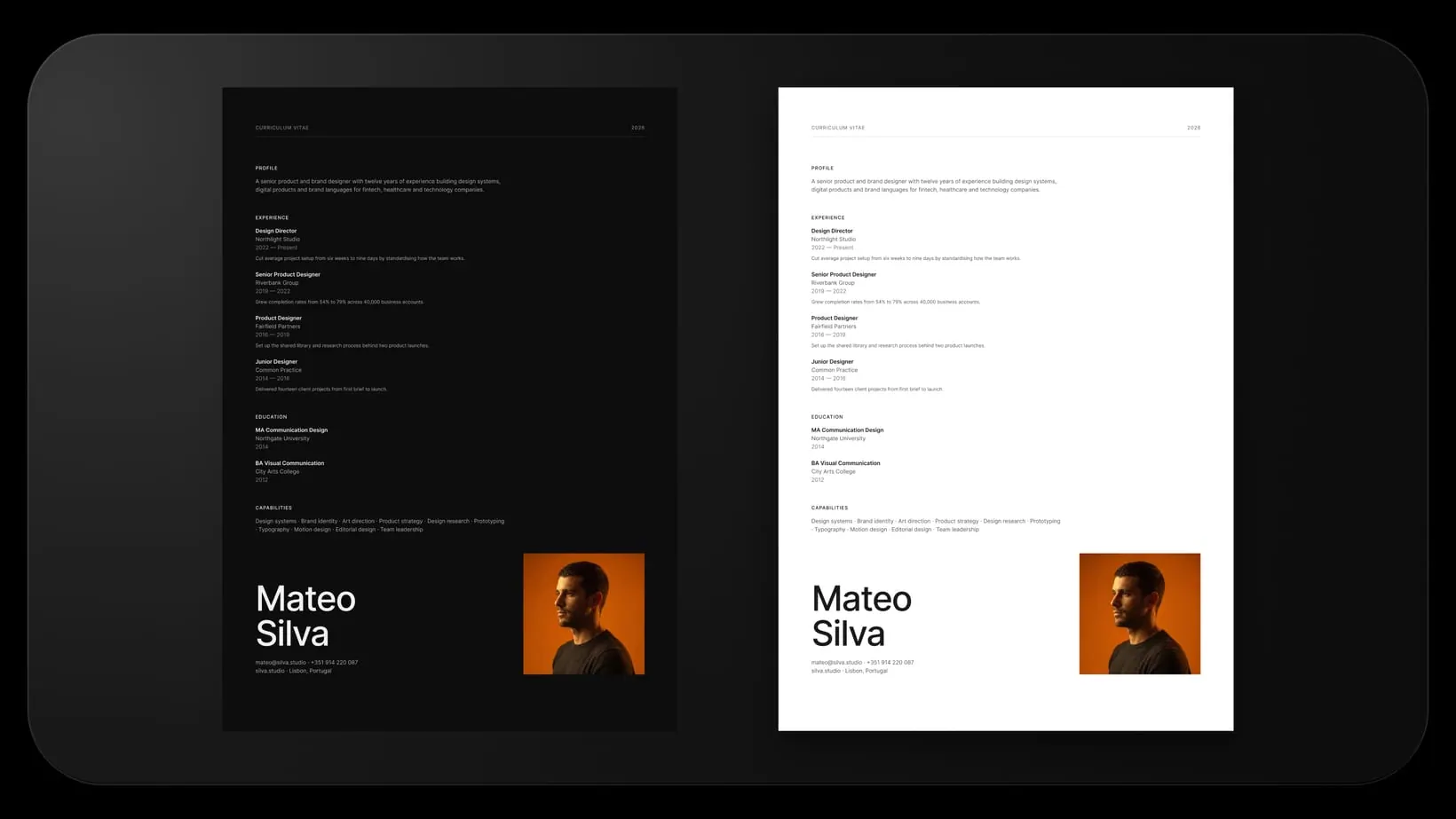
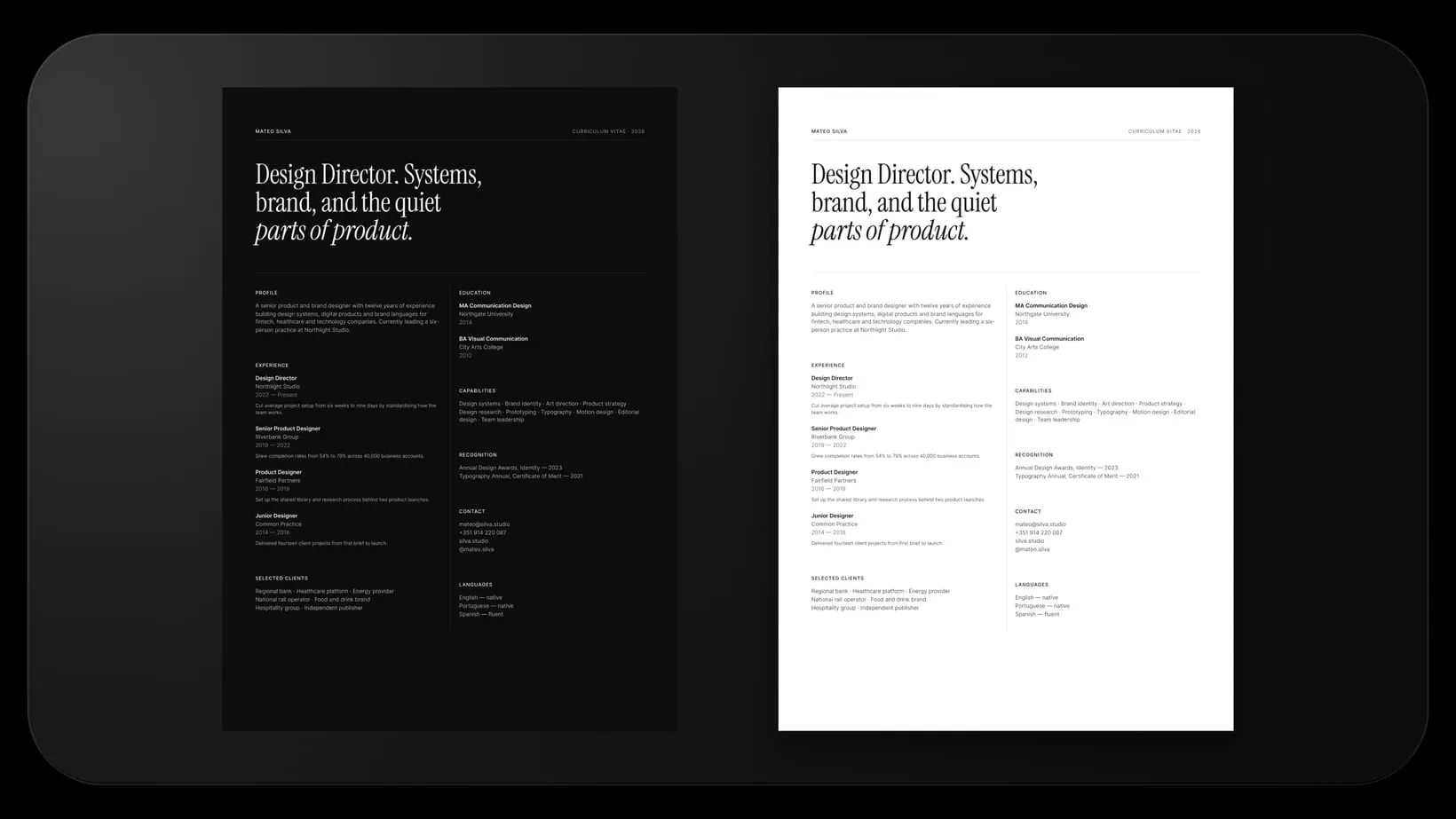
How to use it
- 01Unzip the download and open the Figma file, then duplicate it to your drafts.
- 02Scan the twelve layouts and keep the one that fits the role you are applying for.
- 03Replace the name, the role line and the contact block.
- 04Rewrite the experience rows. The page reflows as you cut.
- 05Switch the Theme mode to Light or Dark for the version you want.
- 06Export the artboard as PDF at 1x. It comes out true A4.
Questions
If you are unsure, start with Masthead or Two-Column Editorial. They carry the most experience without looking crowded. Grand Type and Serif Statement suit senior and creative roles where the name can lead.
You export a PDF with real, selectable text, which most parsers read. Single column layouts like Masthead and Dossier parse most reliably. If a job posting demands a Word file, this set is not the right tool.
No. Variables and modes are readable on a free account, and everything else is plain auto-layout and text styles.
Yes, for your own applications and for resumes you build for clients. Just don't resell or redistribute the template file itself.
A zip holding one Figma file, Premium Resume Templates V1.0.fig. Unzip it, open it in Figma, duplicate it to your drafts.
Checkout is handled by Polar. Pay once, the download appears straight away. No subscription, no account. You get the .zip file.
Get it for $5